Plan
Calendar, tasks, goals, habits, projects, and lists
What it is for: Turning intention into time, next actions, and a visible body of work.
What it does
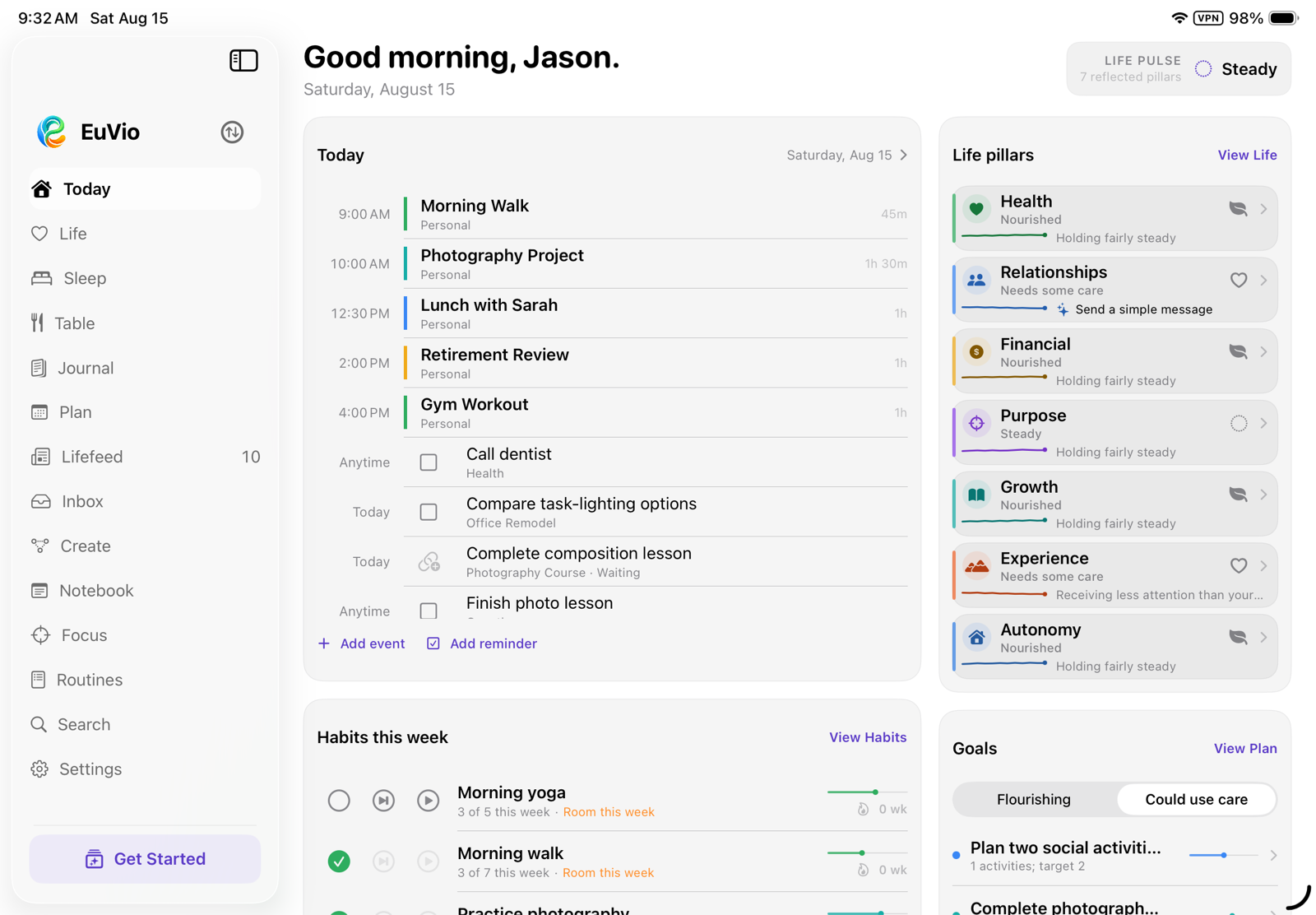
- Edits Apple Calendar events and Apple Reminders inside the same planning view.
- Creates local goals with status, progress, target dates, pillars, and Compass provenance.
- Creates habits with frequency, evidence history, and links to routines.
- Maintains reusable lists and libraries that can be attached to work.
What is distinctive
Plan does not force every commitment into one database. System records remain portable in Apple’s apps, while EuVio adds the local relationships—why this matters, what larger outcome it serves, and where it belongs in life.
Projects
Four views of the same outcome
What it is for: Managing multi-step work at the level of detail it actually requires.
What it does
- Provides a timeline plan with task bars, dates, milestones, and dependency paths.
- Groups work by milestone in a board-style view and provides a compact sortable task list.
- Tracks people, tools, materials, money, and information in a dedicated Needs view.
- Supports blocked-task explanations, actual completion dates, filters, linked lists, and attached routines.
What is distinctive
The timeline, milestone board, working list, and resource view are projections of one project—not separate copies. Dependencies explain what a task is waiting on, while Compass and goal links preserve provenance.
Focus
Make room for one thing
What it is for: Temporarily narrowing the field without pretending the rest of life disappeared.
What it does
- Runs a focused session connected to a project, goal, or life pillar.
- Records duration, completion state, notes, and recent history.
- Shows weekly time and session counts without streak mechanics.
- Returns the user to the larger workspace when the session ends.
What is distinctive
Focus is a temporary room, not a permanent worldview. Sessions can inherit meaning from the work they serve, and the history is descriptive rather than competitive.
Routines
Sequences that lower the cost of beginning
What it is for: Returning to a known sequence when repeatedly choosing the next step is the hard part.
What it does
- Combines activities, timers, quantities, exercise sets, and conditional branches.
- Supports optional opening, main, and closing segments with separate guidance.
- Provides spoken titles, configurable sound sets, volume shaping, halfway cues, and haptics.
- Retains completed and partial runs, then shows when routines tend to happen and which steps are usually completed or set down.
What is distinctive
The runner is designed around transitions, not only timers. Evidence is presented as practice patterns—“usually done,” “often set down,” “runs long”—without streaks, failure badges, or punishment for an interrupted run.
Table
Food in time, not food as judgment
What it is for: Understanding what and when you eat through a visual daily record.
What it does
- Builds a reusable, reorderable palette of meals and foods.
- Logs an item by dragging it directly onto a time-of-day line with haptic detents.
- Shows daily nutrition details, recent frequency, and timing patterns across history.
- Can write user-entered nutrition values to Apple Health when explicitly enabled.
What is distinctive
Table makes timing spatial and reusable meals frictionless. Its visual language emphasizes rhythm and recall instead of calorie policing, moral labels, or a single “perfect” target.